30/30/30 rule for restaurant near me
Social platform allows one link in the bio

Instagram, TikTok and most social platforms limit a restaurant to a small handful of clickable destinations from its bio — often just one, depending on the platform and account type. Everything the account posts — a dish photo, an event announcement, a holiday hours update — has to funnel through that same slot.
Most restaurants set that link once, usually to whichever system was easiest to set up first: a third-party ordering app, a reservation widget, or the homepage of the main website. The problem shows up the moment a follower wants something other than what that one link offers. Someone who wants to book a table lands on an ordering page. Someone asking about a holiday party lands on a menu PDF with no contact form. The restaurant loses the click, and often loses the guest.
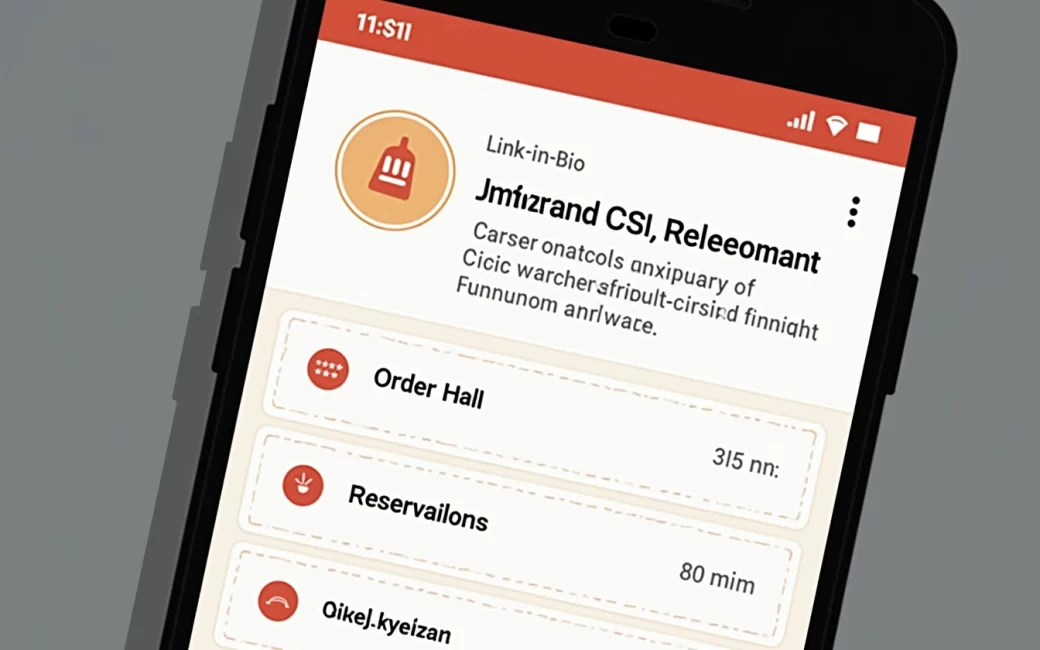
The fix is a dedicated link page — sometimes called a link-in-bio page — that sits between the social profile and all of the restaurant's actual destinations. Instead of picking one door, the restaurant puts several doors on one landing page and lets the guest choose: ordering, reservations, the menu, private event enquiries and whatever's currently promoted, listed side by side rather than forcing every visitor down the same path.
Private event and group enquiries arrive by phone or DM
Group bookings, buyouts and catering enquiries are valuable business, and they usually arrive through the least trackable channels: a phone call, a walk-in question, or a direct message buried in the same inbox as complaints and tagged photos. Unlike an online order, there's no confirmation screen and no timestamp forcing a response.
Because there's no dedicated destination for this kind of enquiry, restaurants routinely miss them or answer late — by which point the customer has already called somewhere else. Private dining and group capacity are treated as their own decision point in multi-restaurant guides, which suggests diners already think of "somewhere to host a group" as a separate search from "somewhere to eat tonight." Lazy Dog's Colorado Springs location page, for example, lists private dining and group reservations as a category distinct from its general seating and takeout information. lazydogrestaurants.com
The fix is narrow: add a private event inquiry link to the link page, pointed at a short form rather than a bare phone number. It doesn't need to be complicated — date, party size, contact info, and a note field is enough to let staff triage and respond in the order enquiries actually arrived, instead of whichever one someone happened to notice first.
Searcher types "restaurant link"
Type "restaurant link" into a search bar and the results don't agree on what you're asking for. Some point to named restaurant groups and steakhouses that happen to use "Link" as part of a brand name. Others point to a wholesale purchasing programme used by food-service buyers. Others point to how-to guides for building a link-in-bio page for a restaurant's social accounts. None of these are wrong exactly — the phrase genuinely covers all three — but a reader who wanted one of them has to sort through the other two first.
It's worth naming the three plainly so nobody has to guess which one applies to them.
"Restaurant link" (ambiguous query)
"Restaurant link" is not one thing; it's a phrase that happens to match at least three unrelated concepts. The first is a set of named restaurant brands and groups that use "Link" as part of their identity — a hospitality group name, a steakhouse chain, a bar concept. The second is a business-to-business purchasing or supply programme that some food-service operators use to source ingredients and equipment, which has nothing to do with dining out. The third — the one this article is about — is a restaurant's link-in-bio page, the landing page a restaurant builds to hold its most-used links for guests coming from social media. If you searched this phrase looking for a place to eat, you likely want a specific restaurant's website, not any of these three. If you searched it as an operator trying to organize your own online presence, the third meaning is the one that applies.
Restaurant link page (link-in-bio)
A restaurant link page is a single landing page that holds a restaurant's most important links in one place, built specifically to be dropped into the limited link space on a social profile. It is not the restaurant's full website — it's a thinner, faster page whose only job is routing. A guest lands on it, sees a short list of options, and picks the one they need: order, book, see the menu, ask about a private event, or check what's coming up.
The organizing question for any restaurant setting one up is less "what links exist" and more "what does a guest actually come here to do." A workable way to sort that is by intent, in three rough groups: guests ready to transact immediately (order or book), guests gathering information before deciding (menu, hours, events), and guests who need a human response (private events, questions, feedback). Building the page in that order — transactional links at the top, informational links in the middle, enquiry links at the bottom — keeps the highest-intent links from getting buried under seasonal promotions. It doesn't require exact traffic numbers to be useful; it's a way to decide what goes near the top when everything on the list feels equally urgent.
Social media profile bio
The bio slot itself is the constraint that makes a link page necessary in the first place. Most social platforms give a business account only a small number of outbound link slots, and often just one, regardless of how many things a restaurant needs to point people toward. That slot is the only place a restaurant controls that sits between "someone found us on social media" and "someone did something about it" — which is why it's worth treating as real estate rather than an afterthought filled in once during setup and never revisited.
Because one link may have to serve dozens of posts across weeks or months, the destination behind it has to be general enough to cover whatever the most recent post was about — a new menu item, a holiday closure, a live music night — without forcing every visitor through an irrelevant page. That's the entire argument for putting a link page, not any single destination, behind the bio link.
Online ordering link
The ordering link is the destination that gets a hungry visitor from "saw a photo" to "placed an order" with the fewest steps in between. On a link page, it should point directly to the ordering flow — whichever platform or system the restaurant actually uses — not to a homepage the guest then has to search through to find an "Order Now" button.
Placement matters more than design here. If takeout and delivery make up a meaningful share of revenue, the ordering link belongs at or near the top of the page, above menu links and well above anything related to events. A guest who's already decided to order shouldn't have to scroll past three other options to do it.
Reservation / table booking link
The reservation link routes a guest to book a table, and it needs to be a genuinely separate destination from ordering, not a secondary button buried inside the ordering flow. Someone who wants to sit down for dinner and someone who wants food brought to their door are doing different things, and conflating the two links on a page — or worse, sending both types of guest to the same landing page — creates exactly the kind of friction the link page was supposed to remove.
Regional and destination-level dining coverage often frames a specific decision — where to eat, whether to book ahead — as tied to the market and the night, not a fixed rule. A guide to restaurants near downtown San Diego, for instance, sorts its picks by neighborhood and occasion rather than treating "where to eat" as one uniform answer, which is the same logic that should apply to whether a given restaurant's reservation link needs to sit at the top of its own page or further down. sandiegomagazine.com
For restaurants running both a bar or lounge and a formal dining room, it's worth being specific about which reservation link goes where, rather than sending every visitor to one generic booking widget that doesn't distinguish between the two.
Private event inquiry link
The private event inquiry link exists to catch business that would otherwise arrive as an unlogged phone call. It should point to a short form — party size, date, occasion, contact details — rather than a mailto link or a bare phone number, both of which put the burden of follow-up entirely on the guest instead of the restaurant.
"Private event," "group dining" and "buyouts" show up as their own sections across a range of restaurant guides, which is a reasonable signal that guests actively search for this option separately from a normal dinner reservation. Lazy Dog's Colorado Springs page, again, treats private dining and group reservations as a distinct category from its general seating and takeout information rather than folding it into a generic contact link. lazydogrestaurants.com A link page that mirrors that separation makes it easier for a guest planning a group of fifteen to find the right door without calling first to ask.
Menu link
The menu link's only job is to show the current food and drink offering, and it belongs on the link page pointed at whichever version of the menu is actually kept up to date — a PDF, a page on the main site, or a menu platform — rather than duplicated and left to drift out of sync with the real thing. The recurring failure here isn't the link itself; it's a menu link that quietly points to a version from a prior season while the current one lives somewhere else entirely.
This is also where the line between a link page and a full restaurant website matters most. The link page shouldn't try to host the menu itself — it should route to wherever the live menu is actually maintained, which for most restaurants is the main website. Whoever updates seasonal items or pricing on the site needs to be the same person confirming the link page still points to the right place, on some regular cadence rather than only when someone notices it's broken.
A comparison of restaurant guides shows how differently "where to eat" gets answered depending on the market and the visit occasion:
| Guide | Market | What it organizes around |
|---|---|---|
| A Fork's Tale | Boone, NC | Local, standing favorites for regular dining aforkstale.com |
| Oh My Omaha | Omaha, NE | Must-try picks for a first-time visitor ohmyomaha.com |
| Wisconsin Dells Visitors Bureau | Wisconsin Dells, WI | Eat-and-drink listings tied to a tourist destination wisdells.com |
| West Wynd Farm Inn | Hershey, PA | Top picks near a lodging property westwyndfarminn.com |
None of these guides answer "where to eat" the same way, because a visitor asking about Traverse City, Myrtle Beach or any other specific market is really asking a locally scoped question that only a market-specific guide can answer — a single restaurant's link page can't and shouldn't try to substitute for one. What it can do is make sure that when someone already knows which restaurant they want, the menu, hours and booking option are one click away instead of buried in a search result.
Event calendar / promotions
The events and promotions section surfaces what's coming up — live music, a holiday menu, a seasonal happy hour — and it's the part of the page most likely to go stale if nobody owns it. An expired "Valentine's Day Menu" link sitting on a page in April signals neglect in a way that a slightly outdated food photo doesn't.
Regional visitor and dining guides handle this by keeping event and seasonal information in a clearly separate section from the core restaurant listings, which is worth copying at the individual-restaurant level: keep promotions visibly separate from the permanent links (order, book, menu) so outdated items are easy to spot and pull, and so a guest scanning quickly can tell what's a standing option versus what's time-limited.
A workable habit is assigning one person — a manager, a marketing lead, whoever already touches the social accounts — to check the link page on the same schedule they check the events calendar, removing anything past its date and confirming the ordering and reservation links still resolve. That single recurring check is usually the difference between a link page that quietly stops working and one that keeps earning the clicks it was built to catch.
Set a reminder now, before the next holiday menu or seasonal event goes up — it's easier to build the check into the calendar today than to notice six months from now that half the links point to something that ended in the spring.